
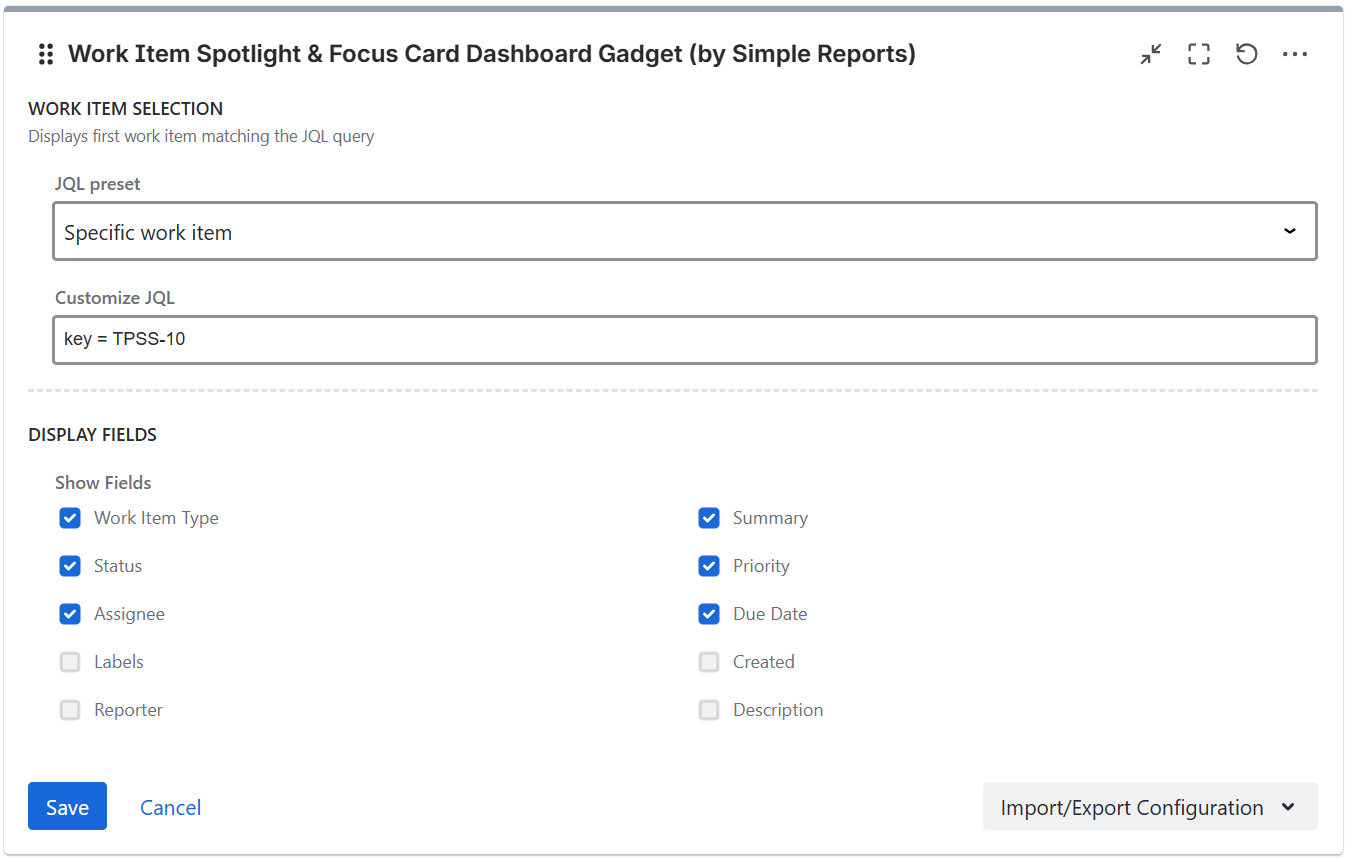
Display fields
Toggle which fields are shown on the spotlight card:
-
Work Item Type
-
Summary
-
Status
-
Priority
-
Assignee
-
Due Date
-
Labels
-
Created
-
Reporter
-
Description
All fields are enabled by default. Disable fields that are not relevant to create a more focused view.
JQL filter

The gadget shows the first work item matching the configured JQL query. Presets are available for common use cases: specific work item by key, highest priority open in a space, most recently updated, assigned to me, oldest unresolved, custom JQL, and saved Jira JQL filters.
If you are running Jira Cloud and want to use Adaptavist ScriptRunner JQL functions you should save them and use them as synchronized filters instead via JQL - filter = "enter name or id of the filter"
Import/Export Configuration
Use the Import/Export option in the gadget footer menu to save or restore gadget configuration as a JSON file. This is useful for duplicating gadgets or transferring settings between dashboards.