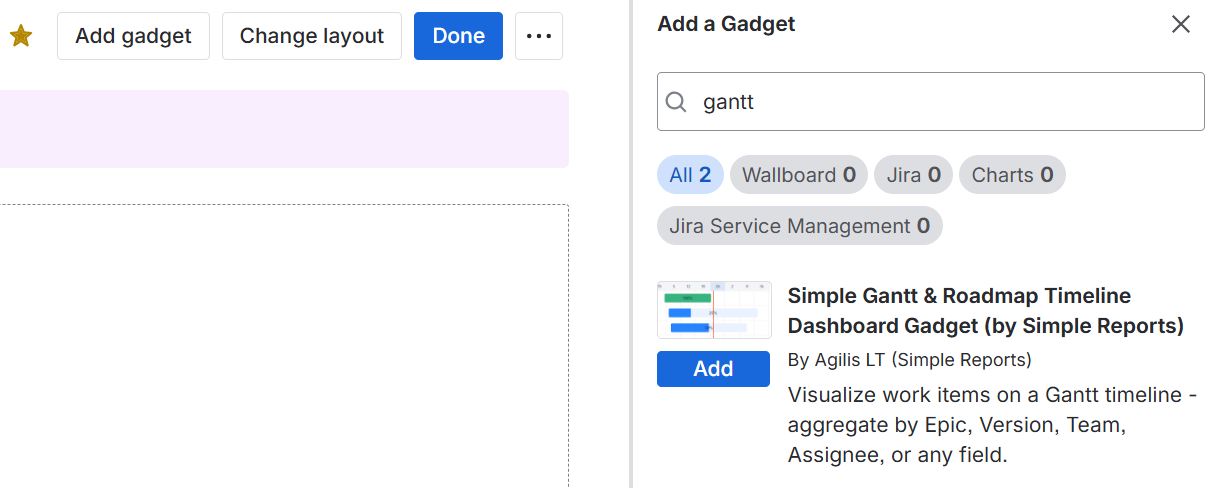
The app adds a dashboard gadget that becomes available to be added to Jira dashboards. Access dashboards from Jira's main menu.
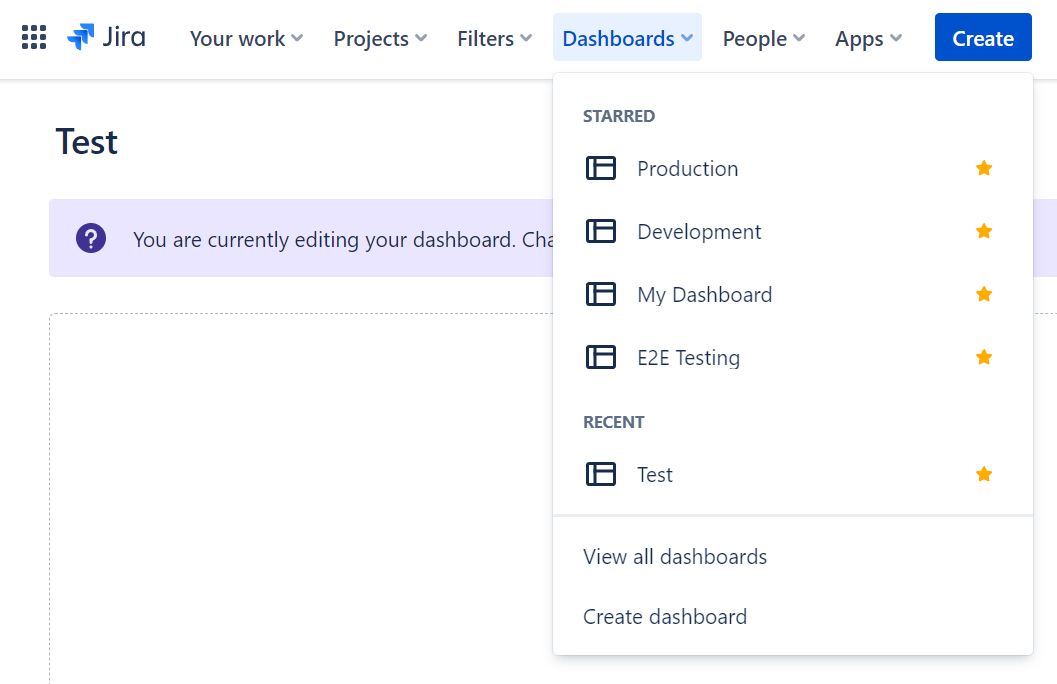
The gadget then can be added to an existing dashboard or a new one. Click the "Create dashboard" menu item from the menu above to create a new dashboard.
As an administrator, you can also add dashboard items to a system dashboard for your users.
Once on a dashboard click the "Add gadget" button and locate the gadget.