
The app adds a dashboard gadget that becomes available to be added to Jira dashboards. Access dashboards from Jira's main menu. The picture below refers to the Jira Cloud instance, but the steps are the same for Jira Data Center.
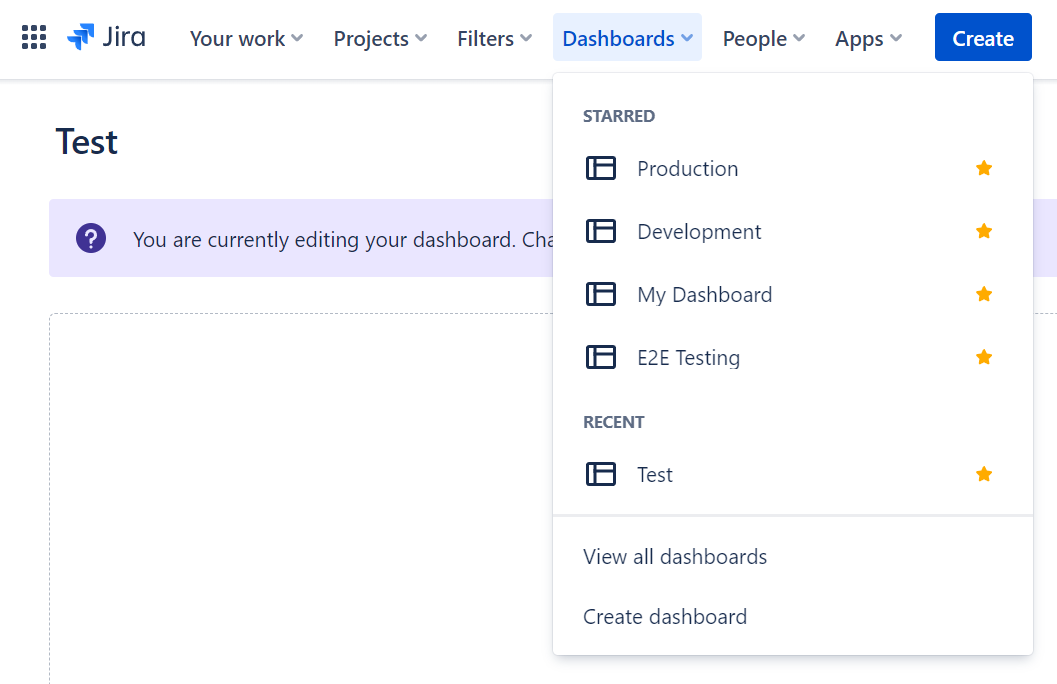
The gadget then can be added to an existing dashboard or a new one. Click the "Create dashboard" menu item from the menu above to create a new dashboard.
As an administrator, you can also add dashboard items to a system dashboard for your users.
On a classic dashboard, click the "Add gadget" button and locate the gadget, as shown below.
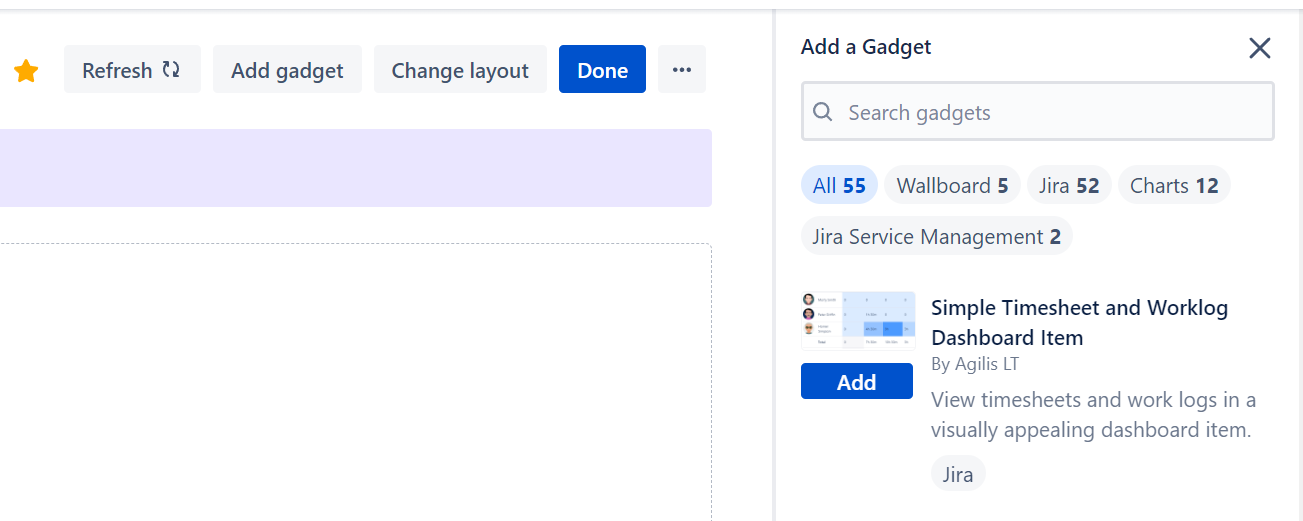
On the new Jira Cloud dashboards, add the "Simple Timesheet & Worklog" widget instead. Configure it in the widget's edit panel and save it with the dashboard's own Save button - the widget has no Save button of its own. The widget is not yet available in the Atlassian Government Cloud and Isolated Cloud versions of the app.