
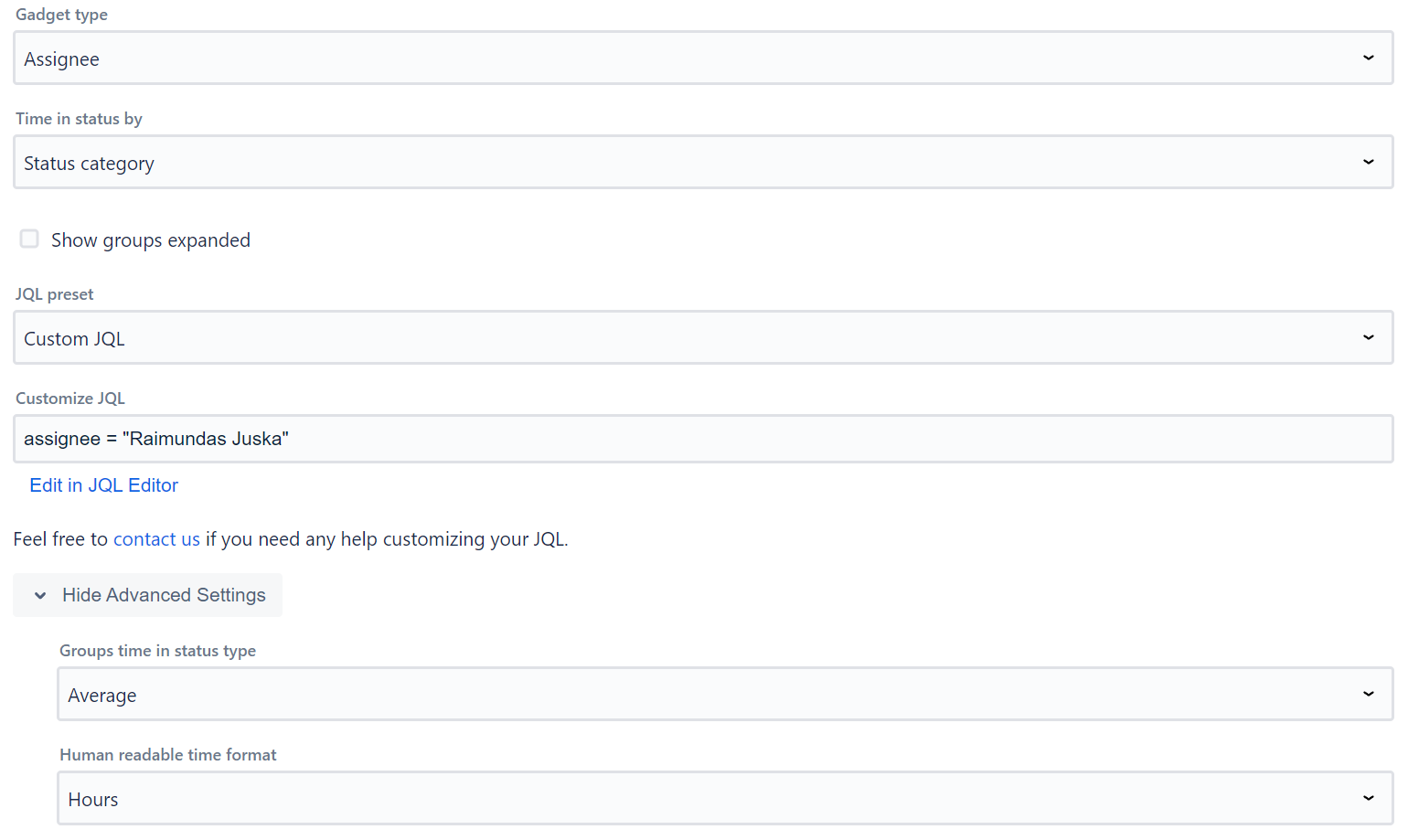
Gadget type - select what field to group the data by (including Work Item Key + Summary), or show it ungrouped. Custom fields are also supported of the type - string, date, user, option, or multi-select option.
Time in status by
Dashboard gadget can be configured to show statuses by both - status category (To Do, In Progress, Done or No Category) or status name.
Additional settings
Show groups expanded - check to display grouped rows expanded by default.
Group totals - select whether group rows show the Average time per work item or the Total time across all work items in the group.
Time format - select the display format: Weeks, Days, Hours, Minutes, Seconds, or Decimal Hours.
Status column selector - in advanced settings, enter a comma-separated list of status names to pre-filter which status columns are shown.
Calendar timezone - auto-populated from your Jira user timezone. Used for business hours calculations.
JQL filter
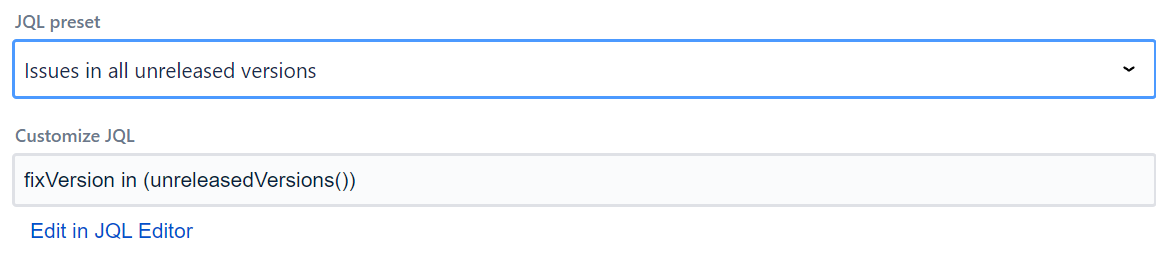
Data supplied to the app can be filtered using JQL filters, with the gadget supplying some JQL presets. If you are running Jira Cloud and want to use Adaptavist ScriptRunner JQL functions you should save them and use them as synchronized filters instead via JQL - filter = "enter name or id of the filter"
Import/Export Configuration
Use the footer menu to backup or restore gadget settings via clipboard (Export to Clipboard / Import from Clipboard).