
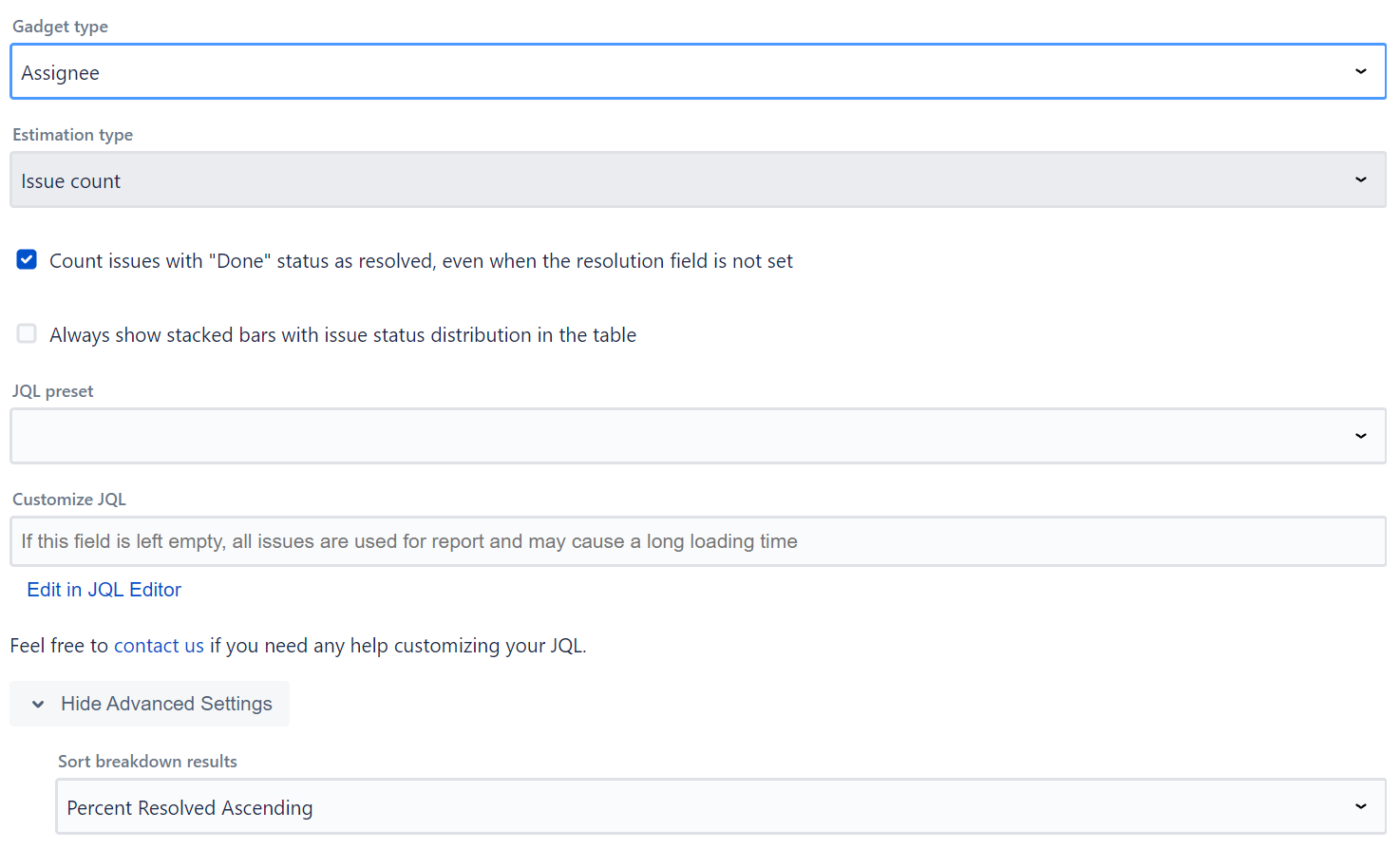
Gadget type - select what field to group the data by (Assignee, Space, Sprint, Epic, Work Item Type, Priority, Status, Fix Version/s, Team, Creator, Reporter, Work Item Key, Components, Labels, Work Item Key + Summary), or display an aggregate overview. Custom fields are also supported of the type - string, date, user, option, or multi-select option. Sprint, Epic, and Team options only appear when those fields exist in the Jira instance.
Estimation type
All dashboard gadgets support all 3 types of estimations:
-
work item count
-
story points
-
time tracking
The overview dashboard gadget always shows all available estimation types simultaneously (it does not allow selecting a single type).
Resolution and Status
With default settings, the gadget displays how many work items are resolved (have their resolution set) . But this can be configured to include work items in a certain status if the "Count work items with Done status as resolved" checkbox is set.
Additionally, the status categories (Done, In Progress, To Do, No Category) progress bar can always be shown if the "Always show stacked bars" checkbox is set. Status bars are not shown when using time tracking estimation type.
Story Points field
The gadget auto-detects the Story Points field. If your Jira instance uses a custom field for story points, you can specify the custom field ID in the advanced settings.
JQL filter
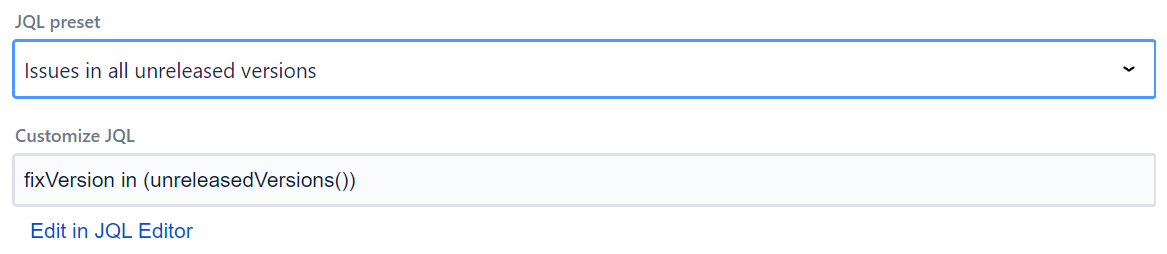
Data supplied to the app can be filtered using JQL filters, with the gadget supplying some JQL presets. If you are running Jira Cloud and want to use Adaptavist ScriptRunner JQL functions you should save them and use them as synchronized filters instead via JQL - filter = "enter name or id of the filter"
Import/Export Configuration
Use the footer menu to backup or restore gadget settings via clipboard (Export to Clipboard / Import from Clipboard).