
Dashboard gadgets must be configured using the following settings:
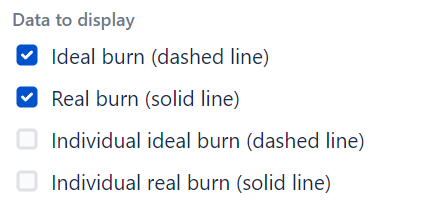
Sprint gadget-specific settings

Filter gadget-specific settings
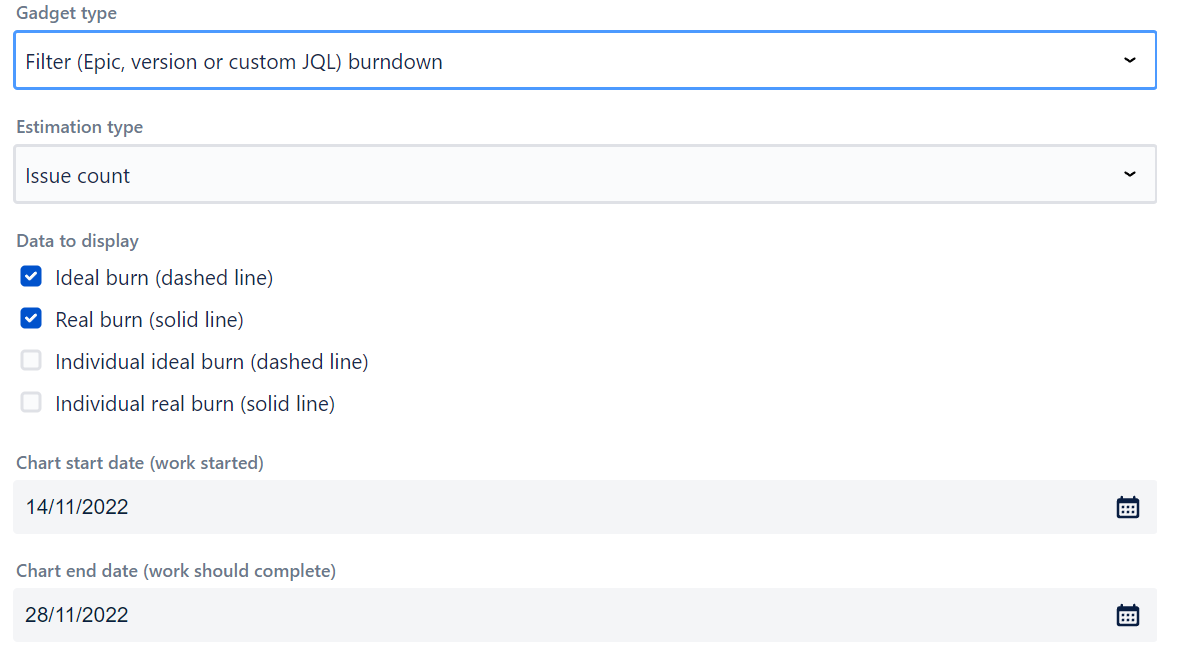
-
Chart start date (for filter dashboard gadgets) - specify this date if using filter dashboard gadget type. This date is used for ideal burn calculation.
-
Chart end date (for filter dashboard gadgets) - specify this date if using filter dashboard gadget type. This date is used for ideal burn calculation.
Resolution and Status
With default settings, the gadget counts work items as completed when their resolution is set. On Jira Cloud, you can also choose "Status category is Done" via the "Consider work items done when" dropdown.
Note: work items burned today are reflected in the chart the next day.
JQL filter
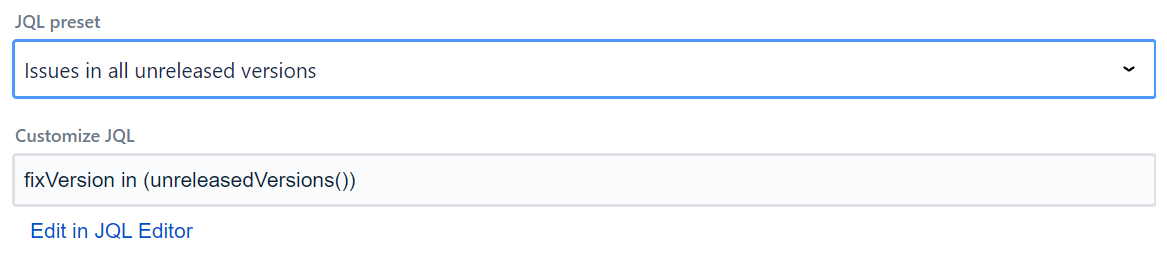
Data supplied to the app can be filtered using JQL filters, with the gadget supplying some JQL presets. If you are running Jira Cloud and want to use Adaptavist ScriptRunner JQL functions you should save them and use them as synchronized filters instead via JQL - filter = "enter name or id of the filter"
Advanced Settings
-
Working days - non-working days are excluded from charts, only days checked here are displayed. Default is Monday through Friday.
-
Date format - date format specified in Moment.js format.
-
Sprint field - select the Sprint field to use. Auto-detect is the default, or you can specify a custom Sprint field.
-
Story Points field - select the Story Points field to use. Auto-detect is the default, or you can specify a custom numeric field.
Import/Export Configuration
Use the footer menu to backup or restore gadget settings via clipboard (Export to Clipboard / Import from Clipboard).