
This gadget allows you to display logged time aggregated by a certain field per day, week, or month.
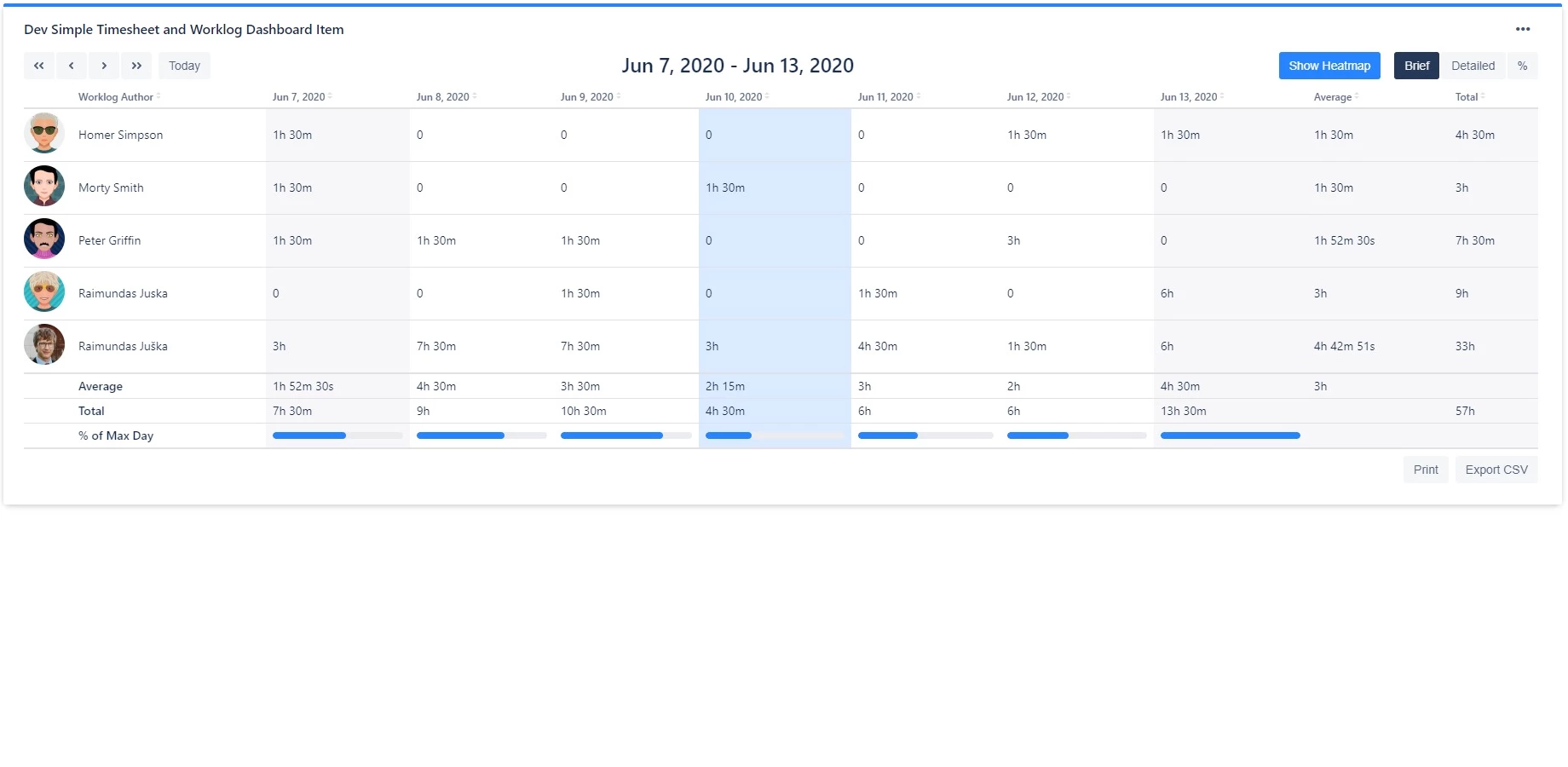
Display logged time per day/week
The gadget will show the aggregate time logged per day if used in this mode.
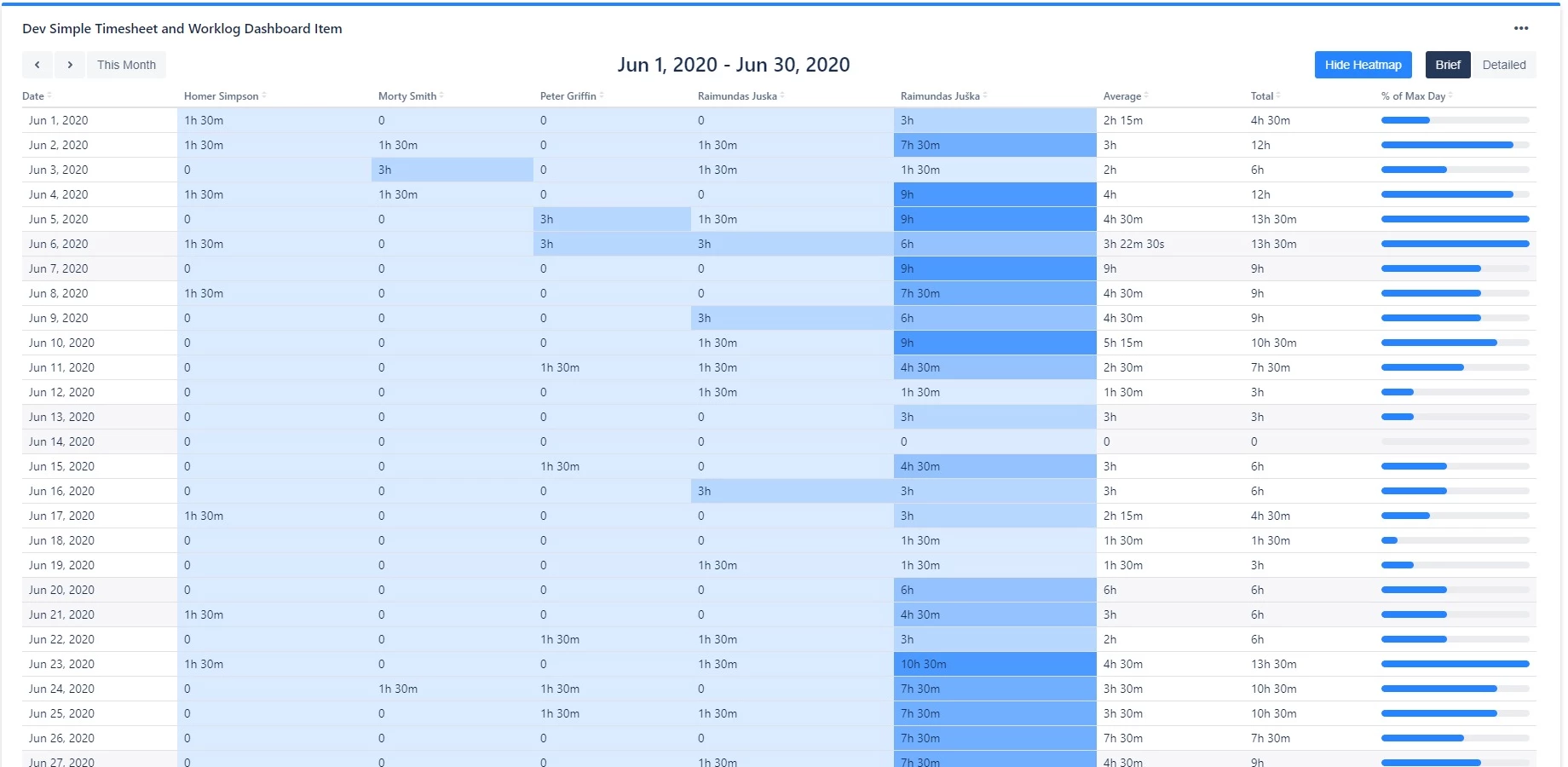
Display logged time per month
In this view, a full current month is displayed.
View modes
The gadget supports three view modes, toggled via buttons above the report:
-
Brief - shows summarized time data
-
Detailed - shows expanded time data with individual work item entries
-
Percentage - shows time logged as a percentage of working time. Only available when grouping by Worklog author, Assignee, Creator, or Reporter in daily/weekly view.
Heatmap
Toggle the "Show Heatmap" button to overlay a 5-level color gradient on the time cells, making it easy to spot high and low activity at a glance.
Time navigation
Use the navigation buttons to move through time periods:
-
Daily/weekly view: Previous week, Previous day, Next day, Next week, Today
-
Monthly view: Previous month, Next month, This Month
Column sorting
Click any column header to sort the table by that column.
Action buttons
The gadget includes the following action buttons:
-
Print - print the gadget