
The gadget creates a two-axis table showing the intersection of two dimensions (e.g. Status vs Priority) with aggregated metrics in each cell. Color intensity represents value magnitude.
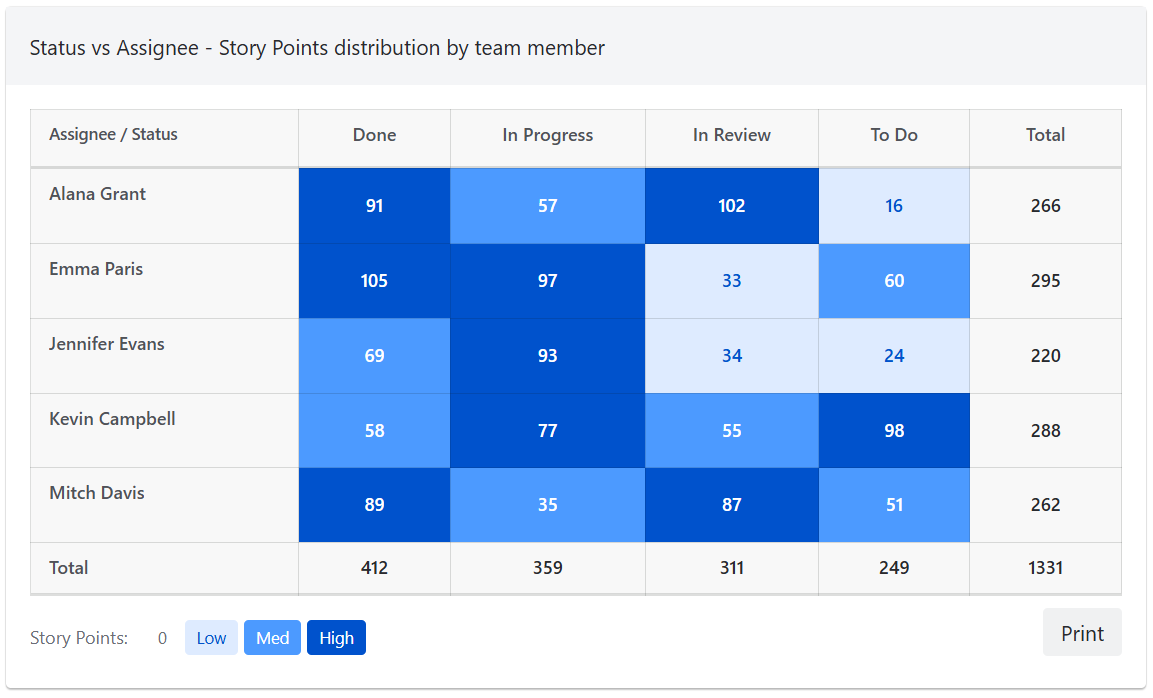
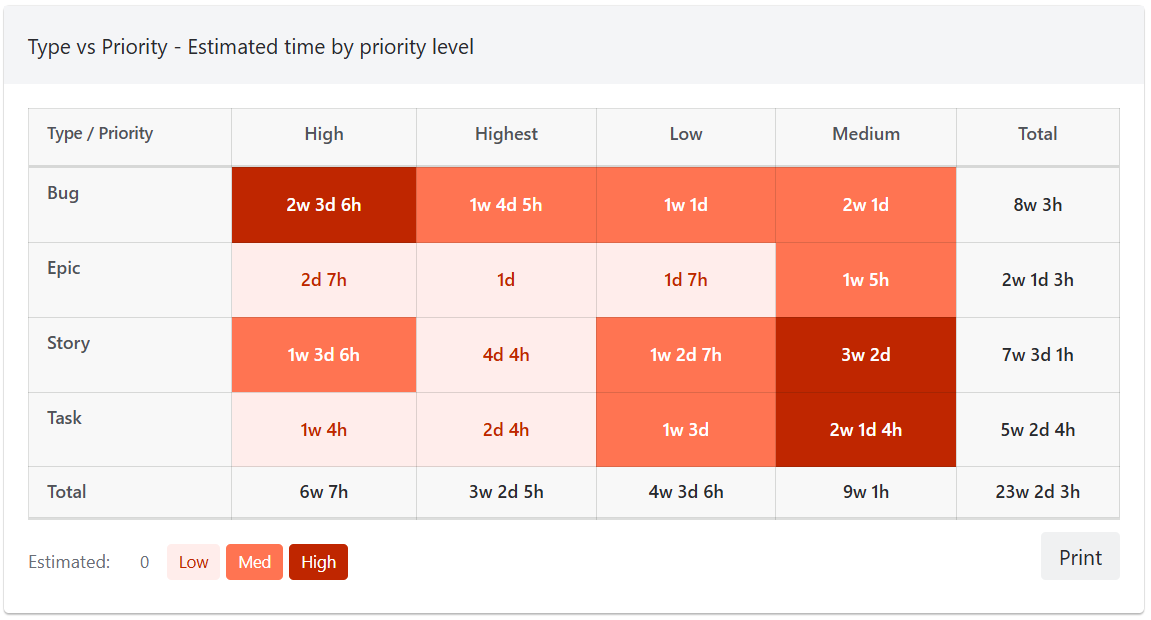
Axis options
Both the X (column) and Y (row) axes can be set to any of the following fields:
-
Status
-
Priority
-
Work Item Type
-
Sprint - a sprint without a name is shown as "Sprint <id> (no name)"
-
Epic
-
Assignee
-
Component
-
Label
-
Version / Release
-
Space (Project)
-
Reporter
-
Creator
-
Resolution
-
Custom fields of option/select type
Metric types
Each cell can display one of the following aggregated values:
-
Work Item Count
-
Story Points Sum
-
Original Estimate Sum
-
Time Logged Sum
-
Remaining Estimate Sum
Color schemes
The heatmap supports the following color palettes: Blue, Green, Red, Purple, and Orange. Color intensity is calculated in 3 levels (low, medium, high): the non-zero cell values are split into thirds, so a single large cell does not flatten the rest, and the largest cell is always high. A legend below the heatmap shows the range of values each color covers.
Interactivity
Each cell in the heatmap is clickable, linking directly to a filtered Jira issue search for the specific row and column combination. Row and column totals are displayed, along with a grand total.
When work items have several values on an axis field (for example, carried over across sprints, or with several labels), they count once per value, so each cell matches its link. The totals are then labelled "Total (per value)", with a tooltip explaining this.
Action buttons
The gadget includes the following action buttons:
-
Print - print the gadget